The back office deserves your best work
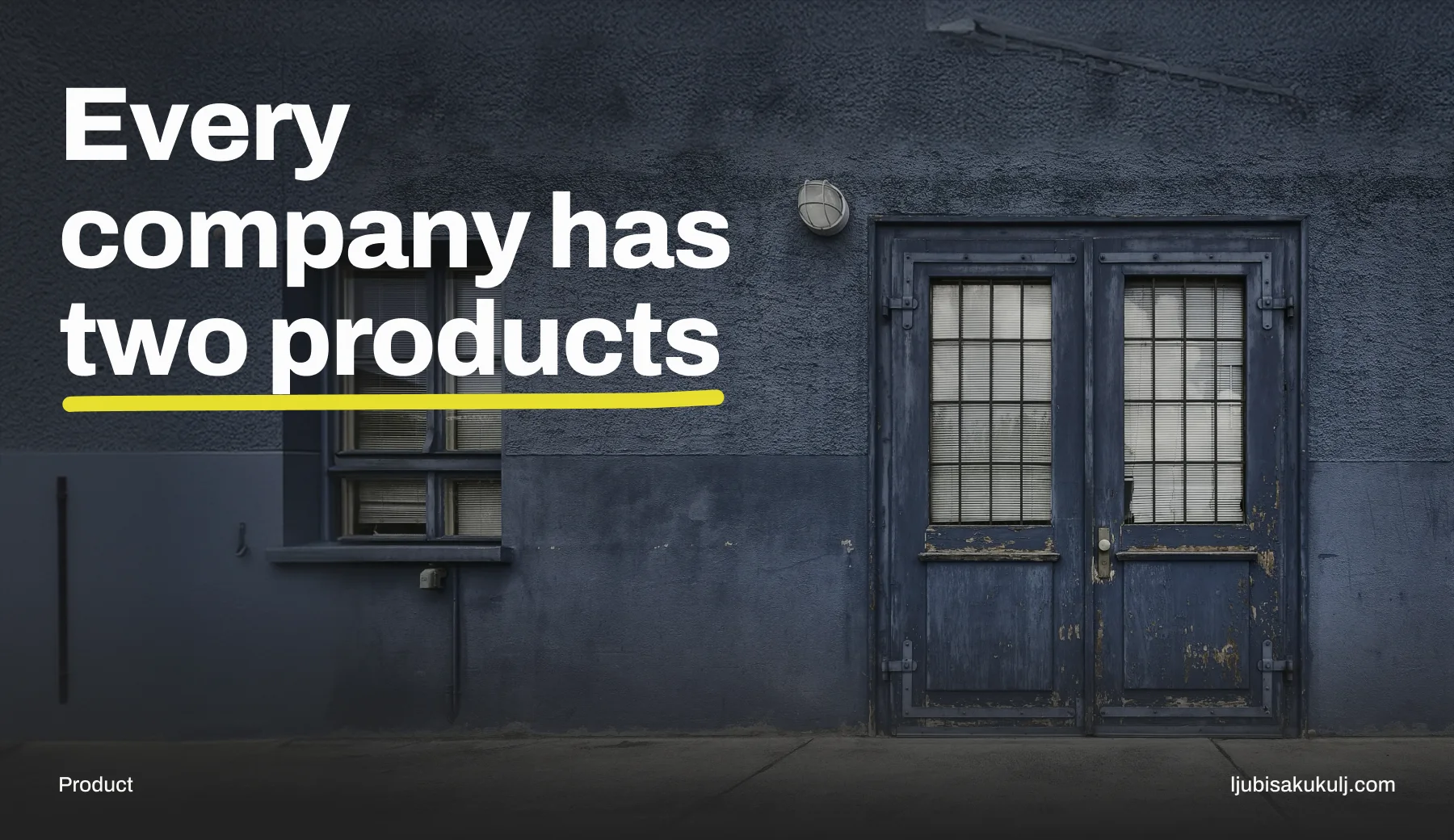
Every company I’ve worked with has two products. There’s the one customers see, which gets the design system, the research budget and a redesign every couple of years. And there’s the internal tool that actually runs the business, which gets whatever the developers could put together between features.
I think that split is wrong, and the maths to show it takes about a minute.
A customer using your public product does one task, now and then, and can walk away whenever they like. The operator in your back office does forty tasks, all day, every day, and can’t. Slow a checkout down by ten seconds and you lose some conversions. Slow an order handling screen down by ten seconds, when six people use it four hundred times a day, and you’ve burned roughly forty hours of paid work in a month. You’ve also made six people a little worse at their jobs for eight hours a day, which is harder to put on a slide but very real.
Nobody writes that into a business case, though. The operator is on salary, so their time never looks like revenue. Have you ever seen it counted? I haven’t.
Power users want density
The quickest way to ruin an internal tool is to bring consumer design taste into it. I’ve watched it happen, with the best intentions, every single time.
Consumer patterns exist for someone who has never seen this screen before and might never see it again. Generous whitespace, one primary action per view, detail hidden until you ask for it. For a stranger that’s the right call. For someone on their nine hundredth repetition it just slows the work down.
The thing is, an experienced operator doesn’t read your screen. They pattern match against a layout they memorised months ago, looking for the one row that looks different. The whitespace that helps a newcomer scan is pure cost to a professional who already knows where everything is. It means fewer records in view and more scrolling to hold the same information.
Other professions worked this out a long time ago. A trading terminal. An air traffic display. A hospital monitoring station. Dense, full of information, nothing like a consumer app, and built for people who sit in them all day. Nobody has ever asked for a hero section on a Bloomberg terminal, as far as I know.
I want to be careful here, because density gets confused with clutter a lot. Clutter is information without hierarchy. Density is a lot of information with a strong hierarchy, arranged so your eye moves through it quickly. The second one takes real craft. I find it harder than making things sparse.
Design for hands that never leave the keyboard
When a task runs hundreds of times a day, the mouse becomes the bottleneck. Every trip between keyboard and pointer costs about a second, plus that moment of finding the cursor again.
A serious back office lets the whole primary workflow happen without leaving the keyboard. Tab order that follows the actual sequence of the work, not the order elements happen to sit in the markup. Shortcuts on the most frequent actions. Enter submits, escape cancels, everywhere, with no exceptions, because one exception is enough for people to stop trusting the pattern.
This is one of those cases where you should watch people instead of asking them. We’re all bad at describing our own shortcut habits, but we demonstrate them all day without noticing. Sit behind someone who has lived in the tool for two years and mark every point where their hand leaves the keyboard. Each of those marks is a defect, and you can put a price on it.
The same session will hand you the workarounds, and workarounds are a specification. Someone keeping a spreadsheet next to your tool has documented exactly what your tool refused to do. Someone with six browser tabs of the same screen needs to compare records side by side, and the tool only lets them open one at a time.
Errors are the main event
In a consumer product, error states are the edge case you polish after the happy path ships. In an operational tool the errors are the job. The happy path runs on its own, without a human. A person is looking at this screen precisely because something didn’t fit the pattern.
So the priority flips. The exception becomes the primary use case, and the interface should be organised around finding what went wrong and fixing it. The ninety percent of records that are fine don’t need a human at all.
In practice that means error messages with enough information to act on, beyond a bare code. Show what the system tried, what it expected, what it got. And show the record’s history, because the first thing an operator asks about a broken record is always the same: what happened to this before now?
Most internal tools answer that with a red banner saying “Something went wrong”, to a professional whose entire job is knowing what went wrong. That message was written for a consumer. An operator can act on detail, so give it to them.
Accountability changes the interface
Operational software carries a weight consumer software never does. The people using it answer for what they do in it. Whoever is processing refunds today may be explaining one specific decision to an auditor months from now.
That has direct consequences on the screen. Every action needs to be attributable and findable afterwards. A person should be able to see what they did, when, and what state the record was in at that moment. Bulk actions need to show exactly what they’ll touch before they run, because a bulk operation on the wrong filter is the most destructive thing an internal tool lets you do.
Permissions deserve extra care. The instinct is to hide whatever a user can’t do. Follow it and different people end up looking at different screens, and nobody can help anybody. Often the better move is to show that a capability exists and say who has it. Instead of wondering where the button went, people see who to ask. Colleagues keep walking each other through the tool, which is how these teams actually work anyway.
When someone asks you to justify it
If a budget holder wants the case, skip the design quality argument. Bring numbers they already believe in.
Time per task, times task volume, times loaded salary. That’s a real number, and it’s usually bigger than anyone expected once it’s written down. Training time is another one. A tool that takes three weeks to learn instead of one charges that cost again with every hire, and in a team with turnover you pay it again every year.
The strongest argument, I think, is the error rate, because operational mistakes are already being paid for somewhere. Refunds issued wrongly, orders shipped to the wrong address, the correction work that eats someone else’s afternoon. Usually nobody has connected that money to the interface. Once someone does, the budget conversation gets a lot easier.
And there’s one cost that never reaches a spreadsheet. Teams working in a hostile tool develop defensive habits. They batch work strangely, avoid certain actions, and quietly stop reporting problems, because reporting a problem is itself painful in a bad tool. At that point the company is losing information about its own business, and usually nobody notices until much later.
Where I would start
Hand me a neglected back office tomorrow and I wouldn’t start with a redesign. A visual refresh of a bad structure just gives you a prettier version of the same problem, and I’ve seen that budget get spent more than once.
I’d sit behind three operators for a full working day each. Write down every keyboard to mouse transition, every workaround, every lookup that happened outside the tool, every hesitation before an action because the person wasn’t sure what it would do. That list, sorted by how often each thing happens, is the backlog.
Then I’d fix the single most repeated task and measure the time before and after. That one measurement usually buys the budget for everything else.
The public product gets the attention. The internal one decides whether any of its promises actually ship. In most organisations I’ve seen, no design work pays back faster, and it’s just sitting there. If you’ve managed to get a back office the budget it deserves, how did you make the case? I’d like to hear it.